Can I choose which PDF pages to convert?
Yes. For PDF input, choose a From and To page range after upload. Image input is a single page. Each converted page uses 1 Page Credit from your Dashboard balance.
Which output formats are available?
Convert supported PDFs or images to Word (.docx), Excel (.xlsx), or Markdown (.md). Each dedicated converter page has the input and output format named in its title.
Which output page sizes are available?
For Word and Excel, choose Automatic (match source), A3, A4, A5, A6, B4 (JIS), B5 (JIS), Letter, Legal, Tabloid / Ledger, Statement / Half Letter, Executive, or Folio. Markdown has no page size setting.
Which page orientations are available?
For Word and Excel, choose Automatic, Portrait, or Landscape. Markdown has no page orientation setting.
Which output fonts are available?
For Word, choose Auto (Default), Mangal, Kokila, DVBW-TTSurekhEN, Kruti Dev 100, Times New Roman, Arial, Calibri, Georgia, Verdana, or Book Antiqua. Excel and Markdown do not offer an output font selector.
Can I include detected images?
Yes. Include detected images is on by default. Keep it on to attempt to place detected logos, signatures, stamps, and other figures in the output, or turn it off for text and document structure only.
Which translation languages are supported?
Choose None to keep the original language, or translate to English, Arabic, Bengali, Chinese (Simplified), Chinese (Traditional), Dutch, French, German, Greek, Gujarati, Hebrew, Hindi, Indonesian, Italian, Korean, Malayalam, Marathi, Persian, Russian, Spanish, Tamil, Telugu, Thai, Turkish, Ukrainian, Urdu, Vietnamese, Zulu.
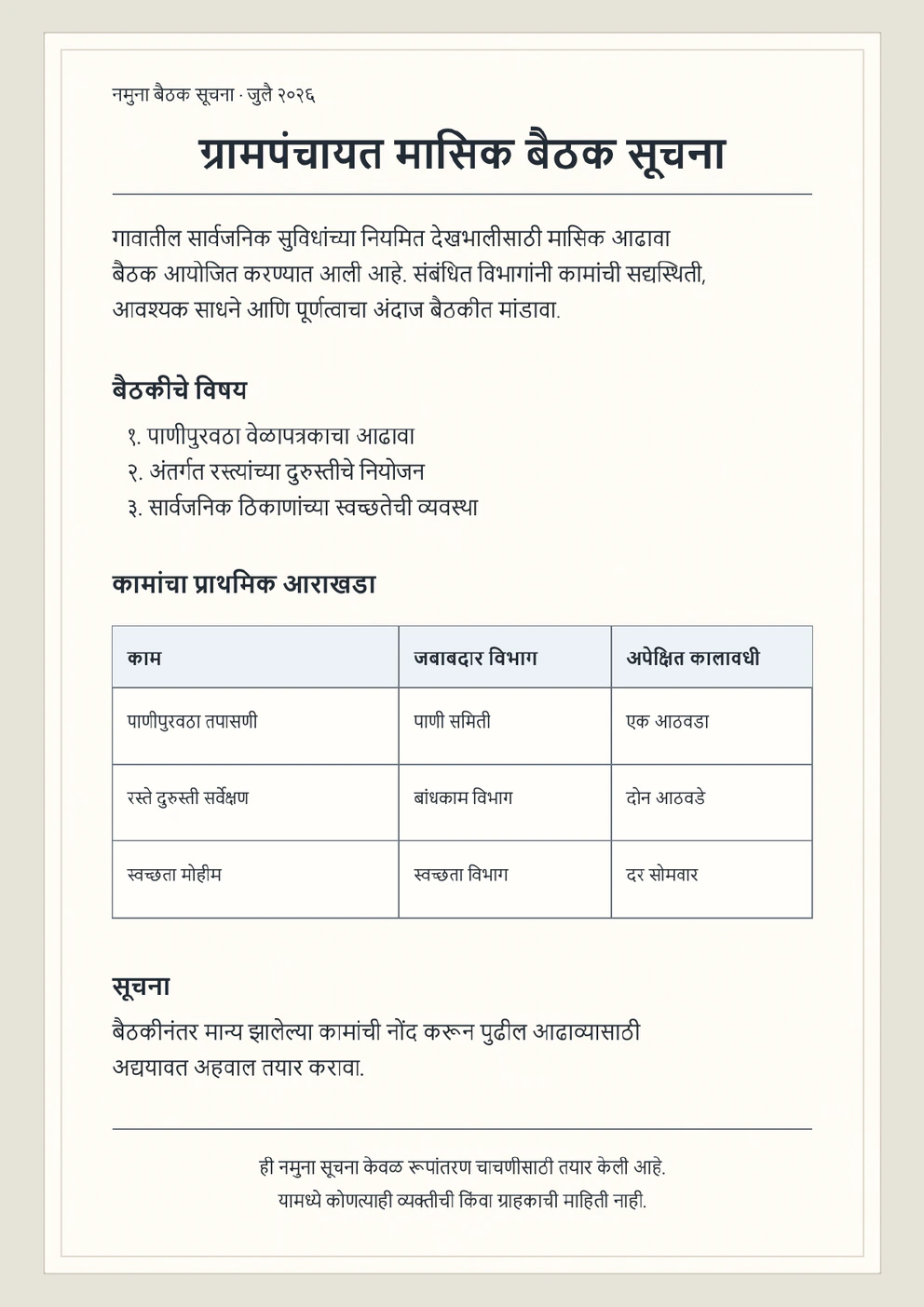
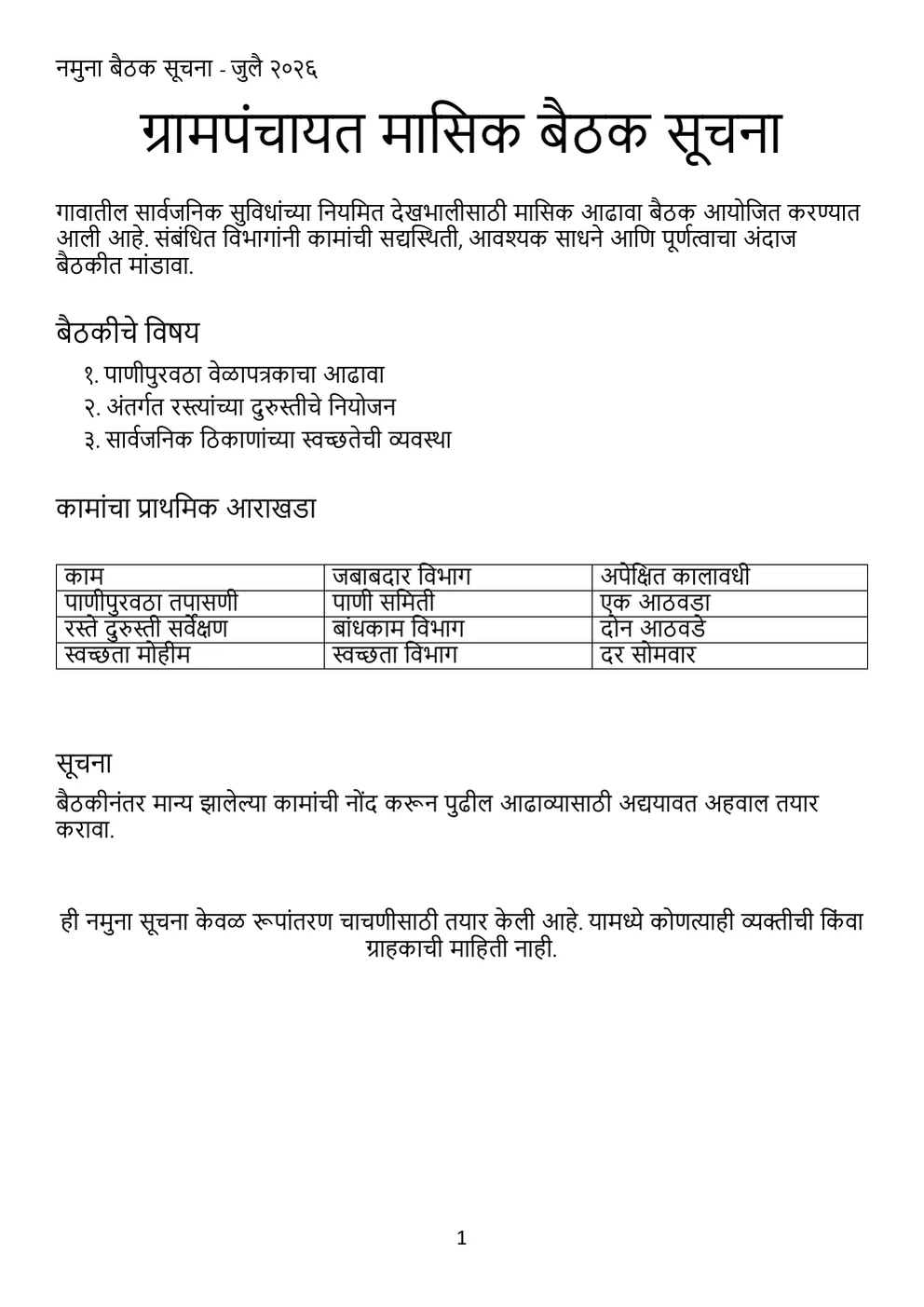
Can AlgoOCR convert a scanned Marathi PDF to editable Word?
Yes. Upload a scanned Marathi PDF, choose the pages you need, and AlgoOCR can reconstruct editable Word headings, paragraphs, lists, and tables where the source supports it. Review the result before use.
Can I convert a Marathi image to Word?
Yes. AlgoOCR accepts PNG, JPG/JPEG, and WEBP images, including clear phone-camera scans.
Does this converter translate Marathi?
Marathi is preserved by default. If you select a supported language under Translate To, AlgoOCR translates the output to a supported language.
Can it preserve Marathi tables and formatting?
AlgoOCR can rebuild headings, paragraphs, lists, tables, and reading order. Results depend on scan quality and document complexity.
Which Marathi Word fonts can I choose?
You can choose Mangal, Kokila, or DVBW-TTSurekhEN. Auto uses Kokila for Devanagari and Calibri for English.
Can it handle mixed Marathi and English documents?
Yes. Marathi remains Marathi, English remains English, and the generated Word file uses the existing Devanagari and English font slots.
Does it work with handwriting?
It can process clear handwriting, but handwriting and poor scans need closer review than clean printed documents.
How does Page Credit pricing work?
Conversions in your Dashboard use prepaid Page Credits—1 credit per converted page, and purchased credits never expire. Every new account includes 1 evaluation page when you register.
Are uploaded documents stored?
Documents are processed according to AlgoOCR's current data-handling policy. Review the Privacy Policy for the canonical retention and security details.
How does AlgoOCR preserve Marathi-specific characters like ळ (U+0933) in Word?
AlgoOCR extracts the native Devanagari codepoint U+0933 for ळ, ensuring correct rendering in Word without character substitution or legacy font corruption.
How do the Devanagari font choices work in the exported Word file?
The converter provides Auto (Kokila default), Mangal, Kokila, DVBW-TTSurekhEN, and Kruti Dev 100. When opened in Microsoft Word, text is styled with the selected typeface.